
Here are some practical version-control habits for PowerShell scripts, including separating change types, retaining old versions and embedding version details in script headers or app interfaces.

Semantic versioning gives PowerShell script changes clear meaning so you can evolve scripts quickly without letting updates devolve into chaos.

Traditional backups remain essential, but their growing security, legal, and operational risks raise the question of whether limited or "zero backup" strategies might someday offer advantages -- if their major shortcomings can be addressed.

Running custom PowerShell scripts through RemoteApp can work effectively, but administrators may encounter several practical challenges involving script launching, execution policies, file blocking, and display scaling.

Hosting a custom PowerShell application through RemoteApp can introduce unexpected authentication and database permission challenges -- especially when Windows authentication and SQL Server backups are involved.

Learn how to continue your RemoteApp deployment by configuring RD Gateway, applying certificates and setting up Remote Desktop licensing.
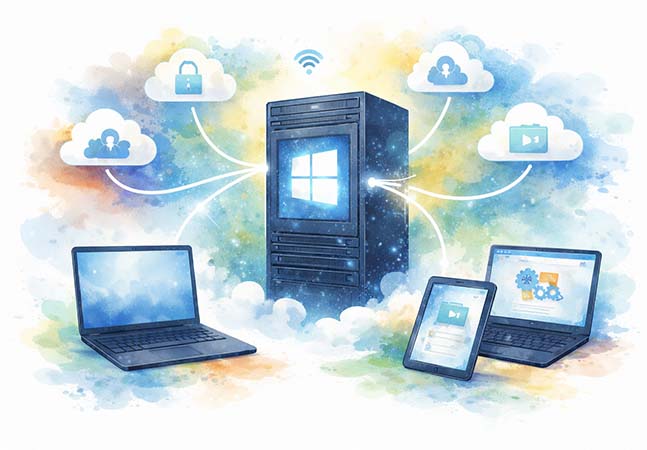
Here's the step-by-step process for installing and configuring Remote Desktop Services to publish Windows applications as RemoteApp programs, enabling domain-joined servers to deliver apps to Linux and other non-domain clients through RDP.
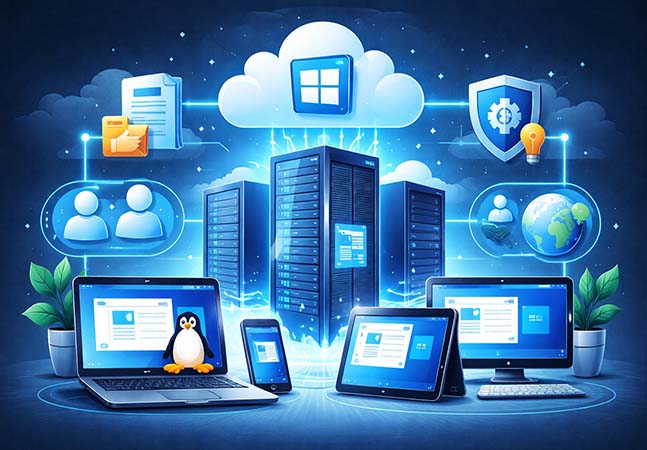
Here's how to deploy a domain-joined Remote Desktop Services environment for Windows RemoteApp, including licensing requirements and session collection configuration, to publish Windows applications to non-domain and Linux clients.
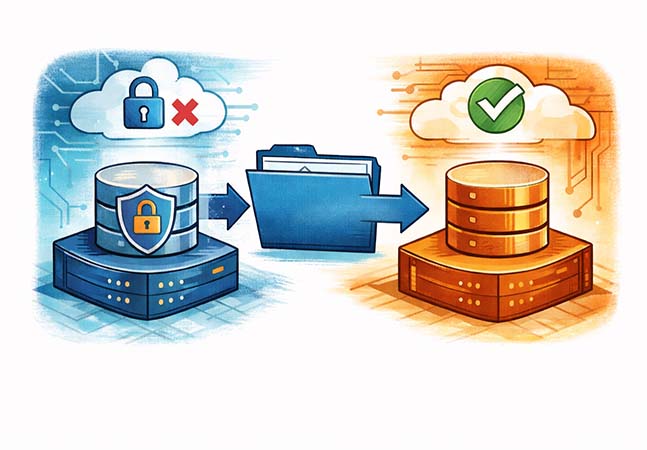
Migrating a database to an older version of SQL Server requires exporting it as a data-tier application and importing it on the target instance, providing a practical workaround when native backup restores are blocked by version compatibility limits.
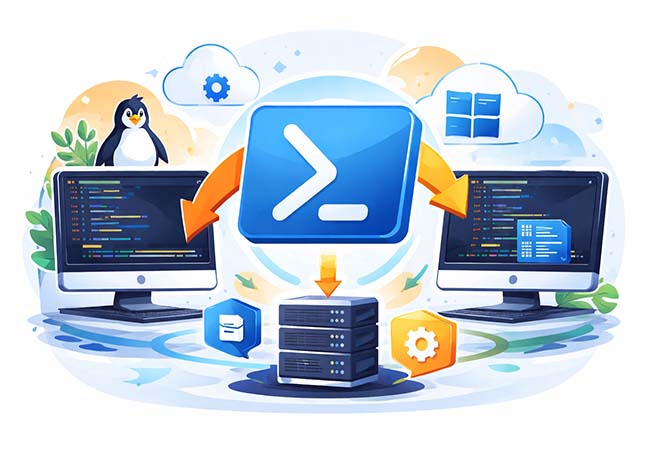
Let's examine the challenges of running Windows-dependent PowerShell scripts from Linux and compares three practical approaches -- dual booting, WinBoat and Windows Server RemoteApp -- to maintaining compatibility in a multiplatform environment.

Microsoft is adding security warning messages in Teams for organizations using default configurations, a move the company says is part of its Secure By Default initiative and aimed at increasing user awareness of potentially risky files and links without changing existing enforcement policies.

Immutable backups can serve as a long-term safety net beyond ransomware protection, preserving critical data that may fall outside traditional backup retention windows and go unnoticed until it is too late.
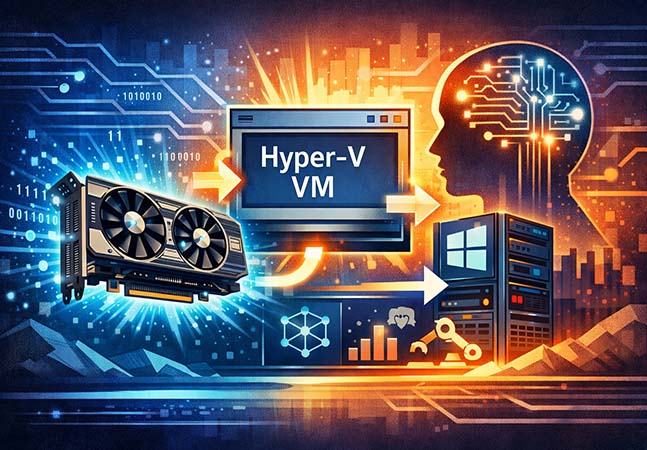
This step-by-step guide explains how to use Discrete Device Assignment to attach a physical GPU directly to a Hyper-V virtual machine, enabling hardware-accelerated workloads such as AI while bypassing deprecated RemoteFX technology.

Drawing on lessons learned from Dragon NaturallySpeaking, this second installment examines where voice-based navigation and dictation in Microsoft Copilot may streamline workflows -- and where traditional input methods are likely to remain more practical.

Microsoft’s push to add real-time speech, dictation and conversational responses to Copilot revives long-standing questions about voice-driven productivity, drawing on lessons from legacy tools to assess where verbal interaction is likely to help -- and where it may fall short.